Independence
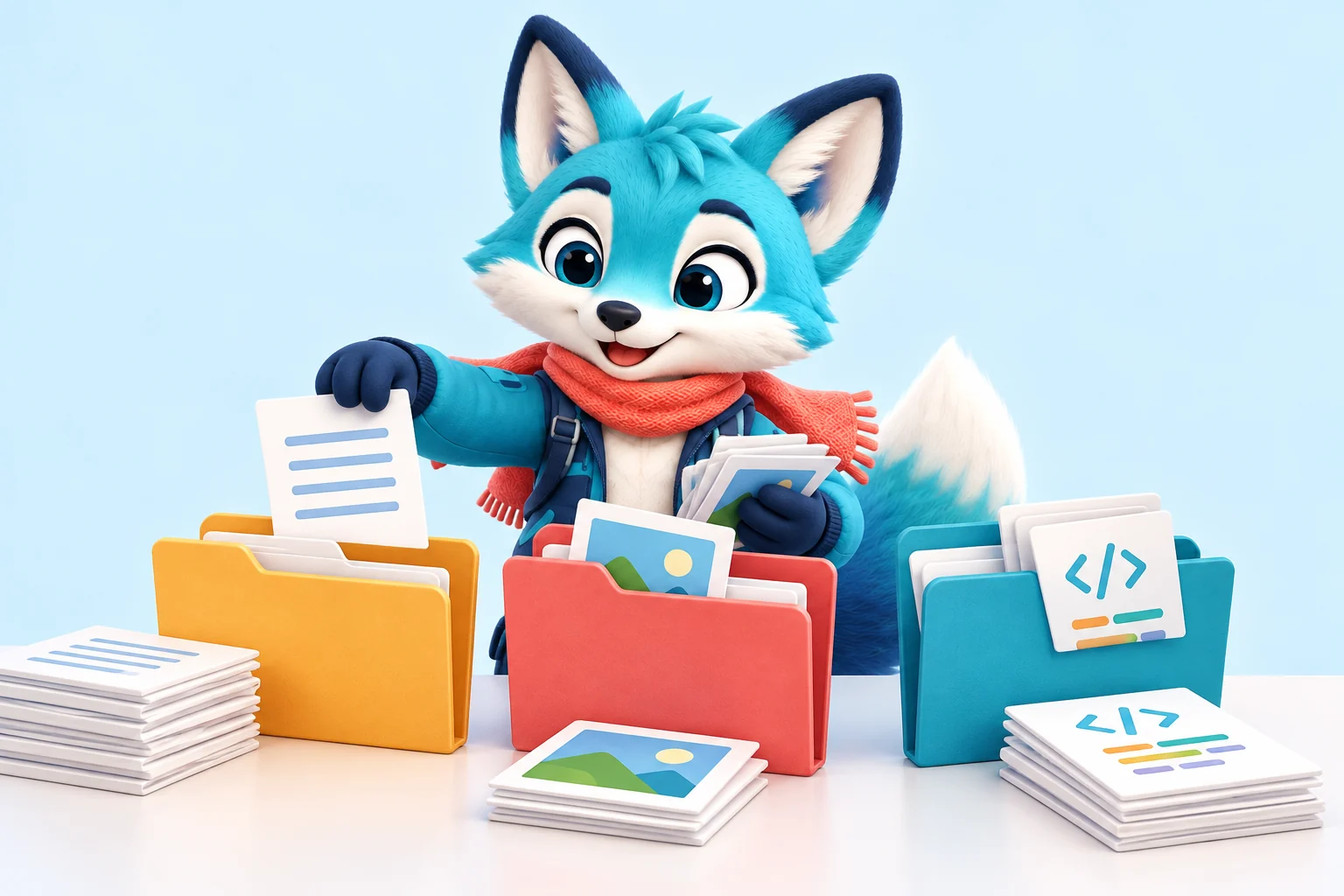
Find a file. Try a sensible troubleshooting step. Know when to ask for help. Small wins build everyday confidence.
ABOUT NEXTGEN SMARTKIDS
We’re building a place where children can turn curiosity into capability—and where parents can see that confidence taking shape.
Begin your family’s journey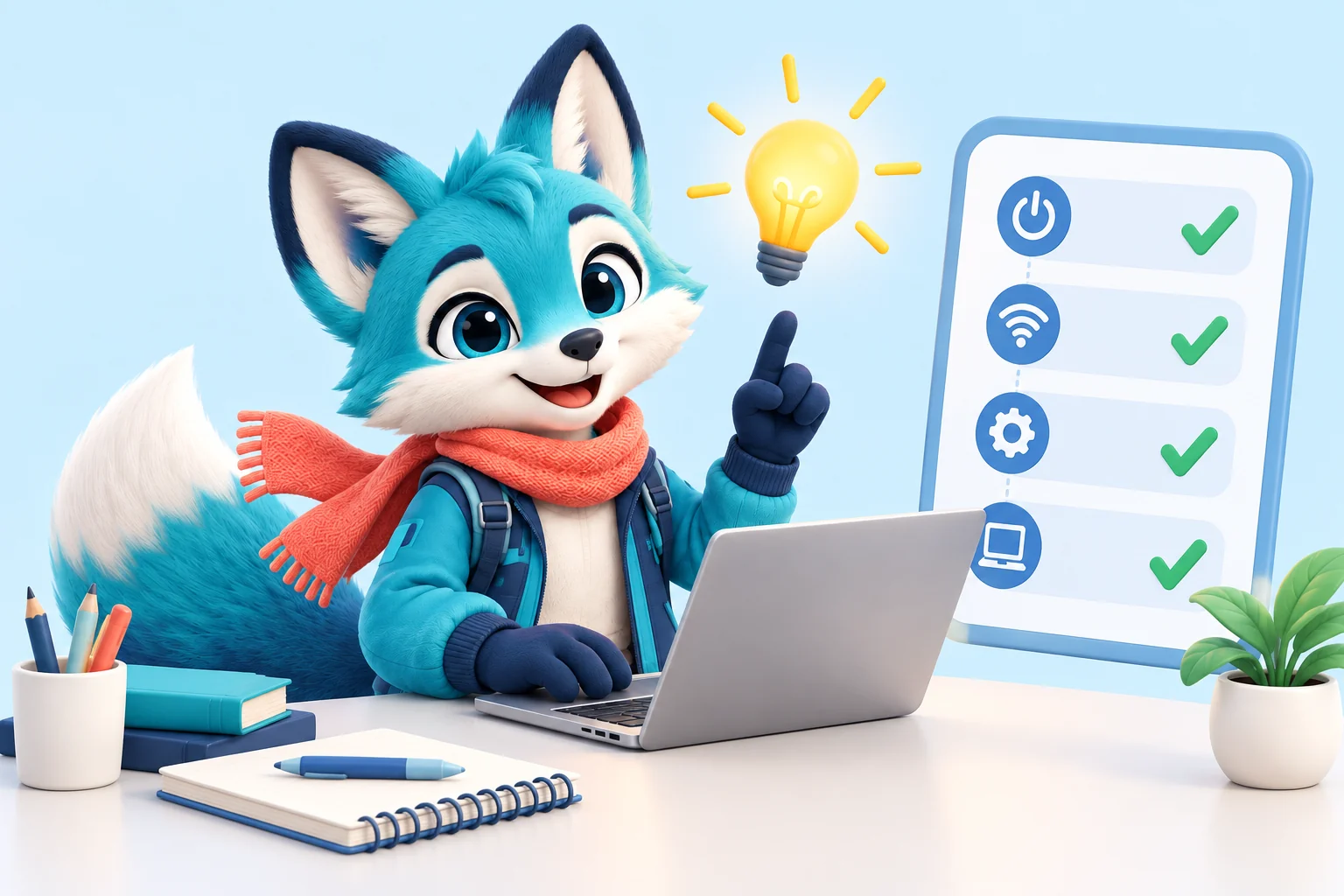 “Let’s figure it out” is a powerful place to begin.
WHY WE’RE HERE
A child can be comfortable watching videos or playing games and still feel unsure when it’s time to organise a file, solve a computer problem or start a project from scratch.
NextGen SmartKids exists to help build that missing confidence. We want children to understand the tools in front of them, ask better questions and discover that their ideas can become things they make.
That starts with foundations: using a keyboard, finding and saving work, thinking through a problem, trying a solution and learning from what happens next.
Our mission is simple: help children use technology with confidence, curiosity and purpose.WHAT WE WANT EVERY CHILD TO DISCOVER
Find a file. Try a sensible troubleshooting step. Know when to ask for help. Small wins build everyday confidence.
Turn an idea into a story, a useful program or a digital creation. Explore more than one way to solve a problem.
Treat mistakes as clues. Read feedback, revise the work and feel proud of progress—not just a perfect first attempt.
FOUNDATIONS THAT OPEN DOORS
Every child brings different interests and experience. Our four learning paths connect practical computer skills with opportunities to create.
 01
01EVERYDAY SUPERPOWERS
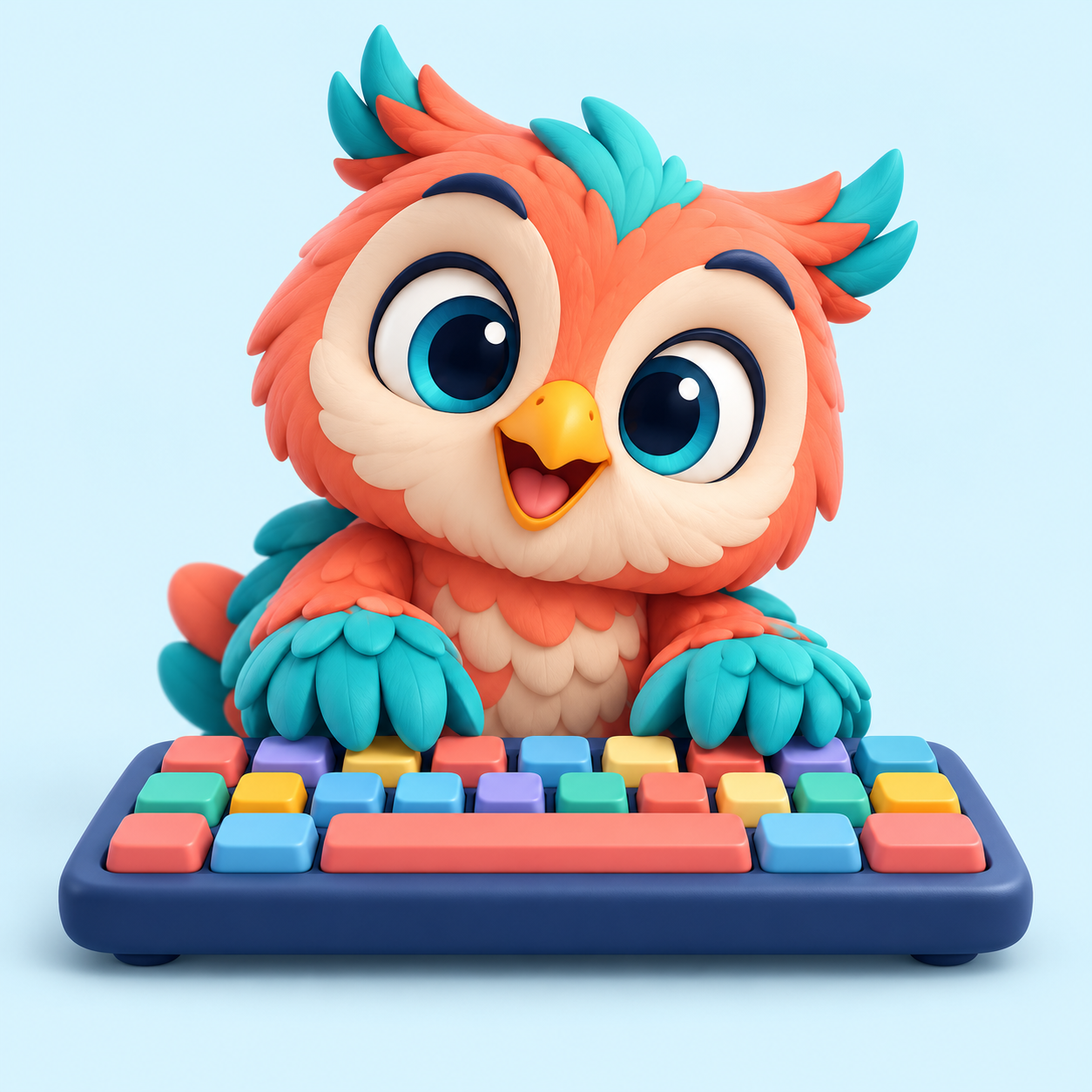
Make technology feel familiar. Explore computer parts, organise files, create digital work and practise safer internet habits.
 02
02CONFIDENCE AT YOUR FINGERTIPS
Join Pip for playful keyboard practice. Build good finger habits, then work on accuracy and speed at your own pace.
 03
03BIG IDEAS, COLOURFUL BLOCKS
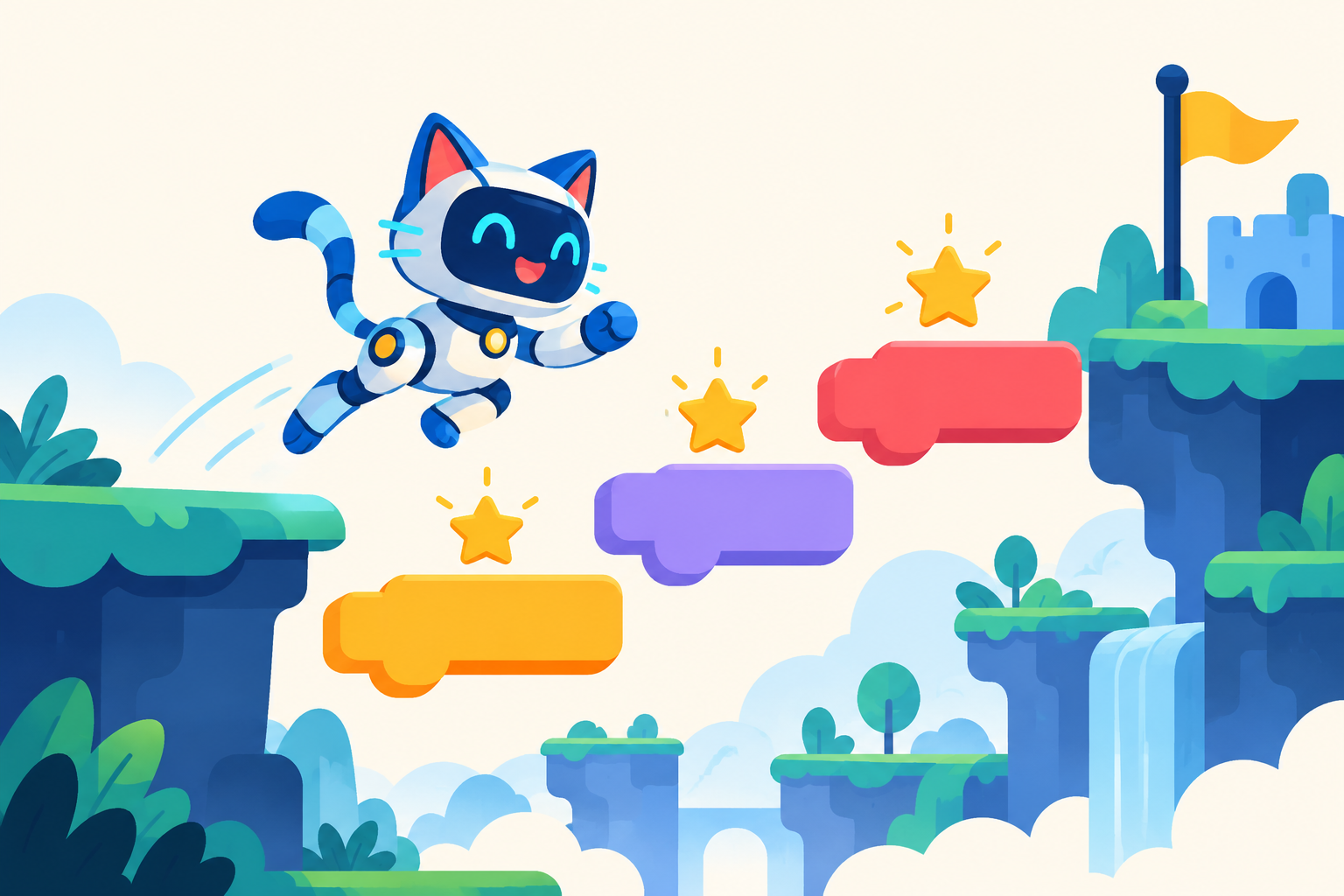
Turn stories and game ideas into creations. Learn sequences, decisions and loops by making things move.
 04
04REAL CODE, REAL POSSIBILITIES
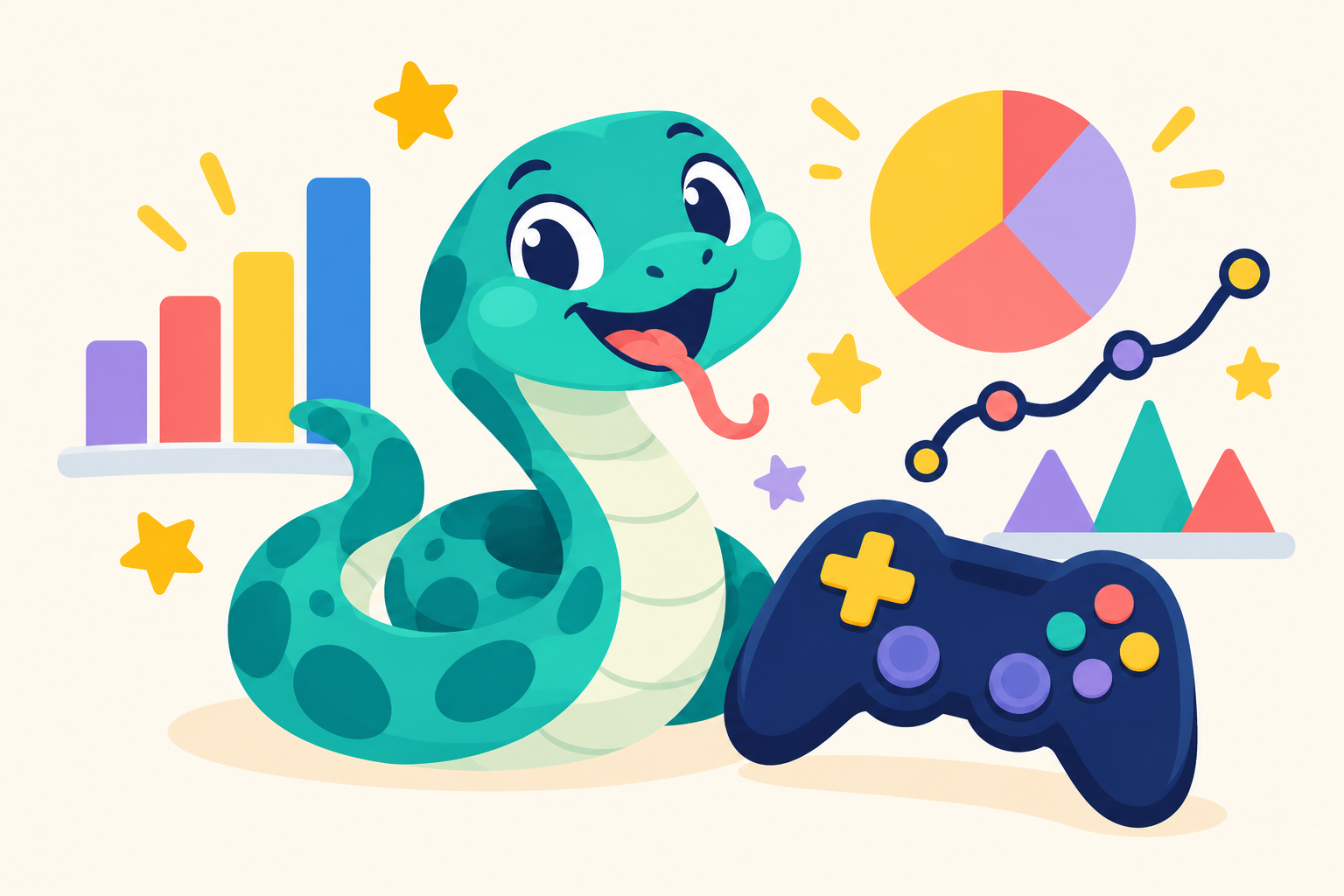
Start with your first lines of code. Grow through functions, data, APIs and themed projects toward a capstone of your own.
TEACH FIRST. THEN INVITE DISCOVERY.
We begin with a clear learning goal and what success looks like. Then come explanations, everyday examples and small activities before a larger challenge.
READY FOR A CHANGING DIGITAL WORLD
As AI becomes part of everyday life, we want children to stay curious about how things work. That means learning to question an answer, protect personal information and use technology thoughtfully.
Our focus is on foundations they can keep building on: logical thinking, digital judgement, creativity and the confidence to try.
A mindset for making things—and making good decisions along the way.
BUILT WITH FAMILIES IN MIND
Ask your child to show you what they made, how it works and what they would try next. Their projects make learning visible.
Follow lesson status, assessment results and instructor feedback from your family workspace.
Manage their login and select the learning paths that fit. Each path has its own subscription, with the option to choose more than one.
THEIR NEXT “I DID IT!” STARTS HERE
Give your child a place to explore, practise and build something they’re proud to show you.
Create a parent accountCurrently in pilot. Path pricing and paid checkout are being prepared.
Creating an account does not start a paid subscription.